
Emergency Contacts
Who we notify if something goes wrong
Save up to three trusted contacts in your profile. They receive a live tracking link with your driver's name, vehicle registration, and live GPS the moment your trip starts.
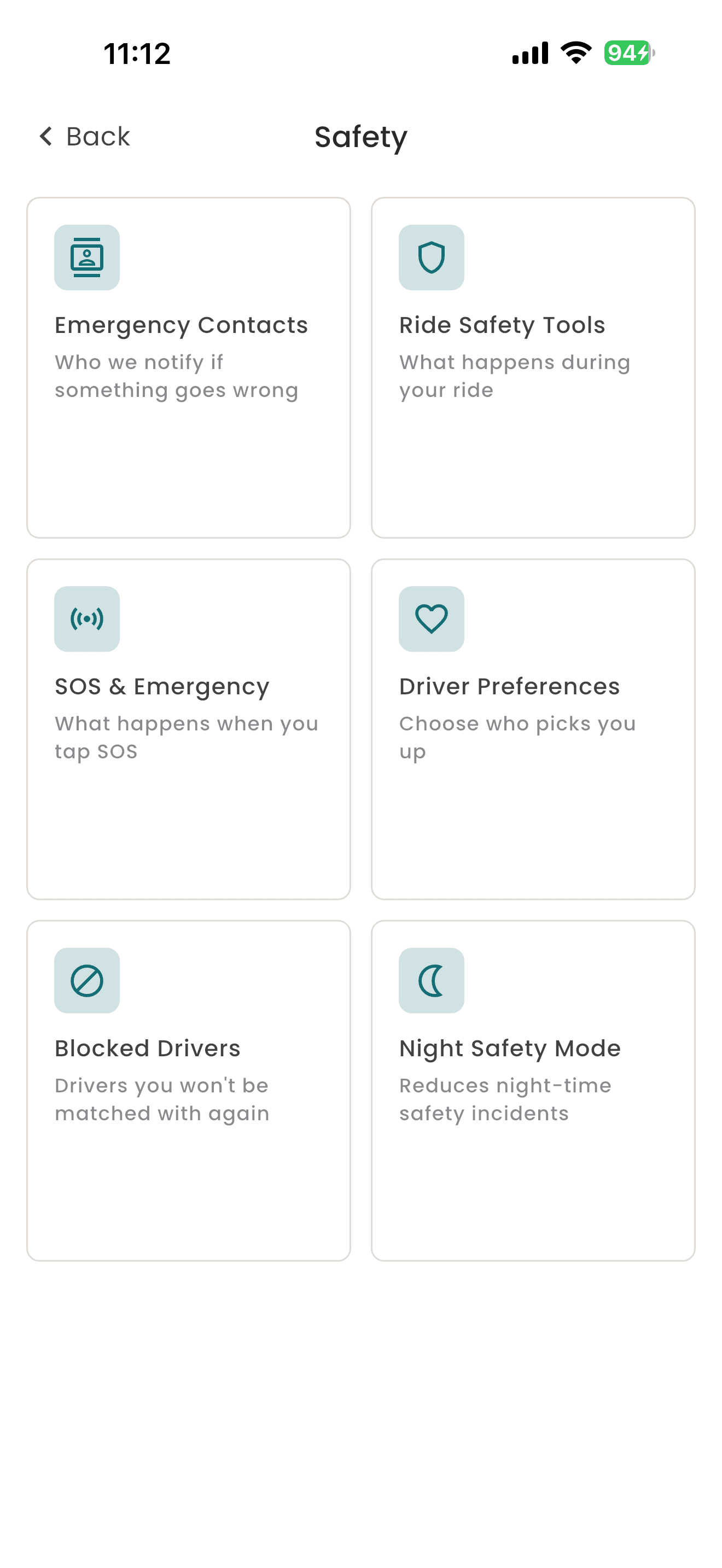
Safety
Verifiable safety layers for before your driver arrives, while you ride, and after you reach your destination. Your trip, your safety, your say.
The safety stack
These are the safety controls you actually see and tap inside MiRide, mapped one to one to the app you ride with.
Set up once
Who we notify if something goes wrong
Save up to three trusted contacts in your profile. They receive a live tracking link with your driver's name, vehicle registration, and live GPS the moment your trip starts.
Auto activates from 7 PM to 6 AM
Your safety net switches on with the sunset. Night Safety Mode automatically turns on the 4 digit PIN, live location sharing, and route monitoring alerts during night hours, with a "Night mode is currently active" indicator in the app.
Choose who picks you up
Set a preference for female drivers in your profile and we will match you accordingly wherever available. Set it once, and it stays on across all trip types until you change it.
Ride Safety Tools
Active during night hours
Your driver must enter your 4 digit PIN to start the ride. The PIN is shown only on your screen, so vehicle substitution and impersonation are blocked at the door. Configurable in Night Safety Mode.
Enforced during night hours
Your trip is automatically shared with your saved emergency contacts the moment you start moving. They follow your live GPS, driver name, and vehicle registration without you doing anything.
Enforced during night hours
We notify you in the app if your driver deviates from the expected route. You see the alert, our operations team sees it too, and we can step in if you need us.
24/7 team. 90-day retention.
One tap on the SOS button alerts our 24/7 safety team and starts recording audio in the background. Your live GPS is shared with us instantly, and with police on request. Audio is encrypted, retained for 90 days, then automatically deleted, in line with the Zimbabwe Data Protection Act.
Before any driver goes live
Every driver passes KYC identity checks and uploads National ID, Driver's Licence, and Vehicle Registration in the app. Our team reviews every document, and only a roadworthy, compliant vehicle is approved. No exceptions.
You stay in control
Drivers you will not be matched with again
If a driver is not right for you, block them. They will never be matched with you again, and they are not notified. Drivers can do the same. Manage your block list any time in the app.
Plain language summary
What gets recorded
Audio onlyWhen you trigger SOS, audio recording begins in the app and continues until you end it or the trip closes. Video is never recorded.
Where it is stored
EncryptedAudio is encrypted and stored within our cloud infrastructure. It does not leave that environment unless we are legally required to share it.
Who can access it
Internal onlyOnly our named safety officers, under internal access controls and full audit logging. Recordings are never shared with drivers or third parties without a legal requirement.
How long it is kept
90 days maxSOS audio is automatically and permanently deleted after 90 days, in line with the Zimbabwe Data Protection Act.
If something happens
From the moment you tap SOS to the day after follow up, our team is on it.
Tap SOS in the app
The SOS button is always visible during a trip. One tap is all it takes.
We get your alert
Our 24/7 team sees your live position and audio recording begins immediately.
GPS goes to police
On request, we send your live location straight to police while staying on the line with you.
We follow up
The next day our safety team checks in, takes a report, and decides on any driver action.
Answers
Download MiRide and ride with safety layers built in from day one.